Teams detects phishing in chats
- Maxime Hiez
- Teams
- 27 Oct, 2026
Introduction
Until now, the native protection Microsoft Teams offers in chats relied on specific indicators : a malicious URL, a dangerous file type or brand impersonation on a first external contact. Teams is adding AI-powered phishing detection that analyzes the context of the conversation, even when there’s no link or file, with the announcement MC1519866 (roadmap item 575288). The Targeted Release rollout starts in early November 2026 and should be complete by mid-November ; general availability follows, from early to mid-December 2026.
What Teams detects in chats
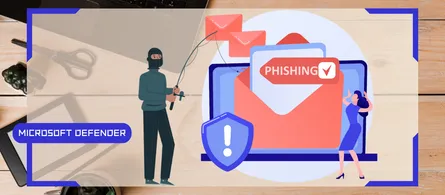
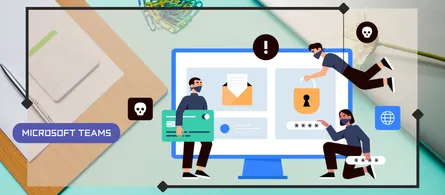
The detection reads the context of the exchange to spot four types of behavior : phishing, social engineering, impersonation attempts and deceptive intent. A message with no link or attachment can be enough.
For most users, the scope is limited to first external contacts, in one-on-one and group chats alike. Teams mobile users in China get additional protection, which can also cover chats inside the tenant. Neither channels nor meetings are mentioned.
The feature is announced for Android, iOS, Desktop, Mac and Web. Only the Worldwide (Standard Multi-Tenant) cloud is listed on the roadmap.
What the user sees
During an initial validation phase, the detection may run in the background without showing any warning. After that, the user may see a red banner in the chat, with a Preview their messages link, to help them decide before continuing the conversation.
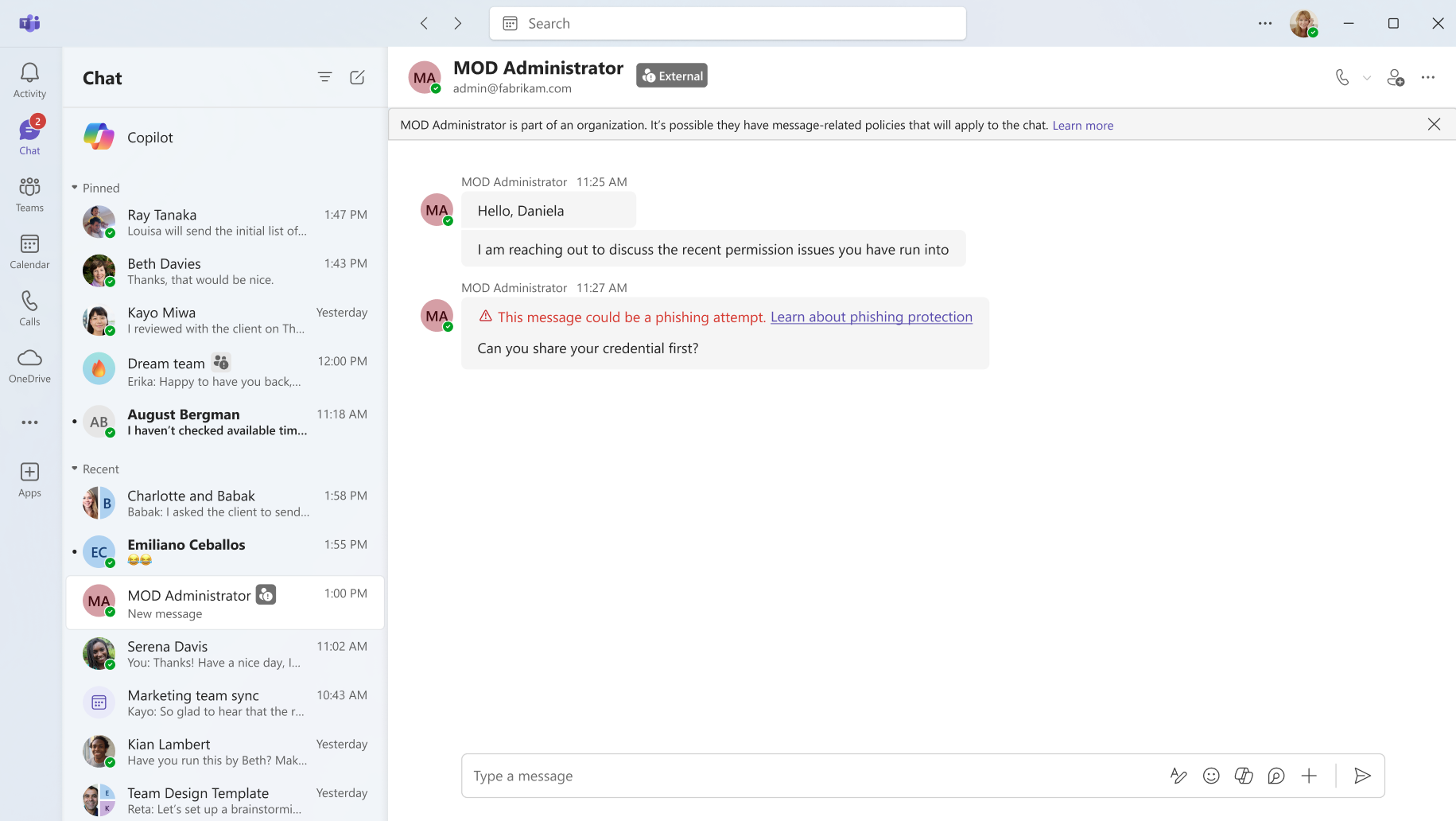
The support article describes what to do :
- Verify the sender : Check their identity and email address for signs of impersonation, and be wary of high-risk requests (money, personal information).
- Confirmed phishing : Don’t interact with the user, then block and report them from their contact card.
- Incorrect detection : Open the flagged message and, under More options, choose Report as not a concern.
note
What administrators need to know
The detection is on by default : the announcement states that no new admin configuration is required, and mentions no setting to turn it off, no license and no tie to Microsoft Defender. Yet the documentation for the Set-CsTeamsMessagingConfiguration cmdlet lists a ContentBasedPhishingCheck parameter (“Enabled” by default, or “Disabled”), which enables content-based phishing detection for Teams messages in the tenant and is marked as a feature that hasn’t been released yet. No page explicitly ties it to MC1519866, and Microsoft Learn doesn’t offer a dedicated admin page yet.
The current value of the parameter can be read via the following PowerShell command :
Connect-MicrosoftTeams

Get-CsTeamsMessagingConfiguration | Select-Object ContentBasedPhishingCheck
On the data side, the announcement acknowledges that Teams analyzes the context of conversations and that this change modifies how existing customer data is processed. The detection is used for security only, never for productivity, conversation summaries, advertising or user monitoring. Message content isn’t retained to train models. In organizations bound by employee notification obligations, the topic deserves attention before the Targeted Release rollout in early November 2026, especially since the detection may analyze chats in the background before showing any warning.
Microsoft recommends reviewing internal guidance on interactions with unknown external contacts and reminding users to report suspicious activity or incorrect detections. On the reporting side, three points are worth knowing today :
- Report a security concern : A messaging policy setting, on by default in the Microsoft Teams Admin Center, that lets users report messages and other users.
- Microsoft Defender portal : The matching setting is on by default only for new tenants ; an existing tenant must turn it on for reports to appear on the User reported tab of the Submissions page.
- Reporting a user : Reporting an external user (Report this person, when blocking them from an external chat request or from their profile card) isn’t supported in Microsoft Defender yet ; only message reports reach it.
Two points remain open. The Report incorrect security detections setting (Messaging settings > Messaging safety) is documented only for links flagged by Link Protection, and Learn doesn’t say whether it applies to these warnings. The Security detections report in the Microsoft Teams Admin Center lists the Impersonation, Malicious URL and Weaponizable File types, with no type dedicated to phishing.
Conclusion
This detection complements malicious URL protection and brand impersonation protection by covering what they let through : a first external contact who manipulates the recipient without a link or a file. After vishing detection in calls, messaging now gets AI analysis of conversation content too, on by default. The ContentBasedPhishingCheck parameter hints at a tenant-level switch, but until Microsoft ties it to this announcement, the admin’s work between now and November 2026 lies elsewhere : warning users that the banner is coming, checking that message reports reach Defender in an existing tenant, and watching the documentation for licensing and the Security detections report.
Sources
Microsoft 365 Roadmap - ID 575288
Microsoft Support - Phishing content detection in Teams
Microsoft Learn - End user reporting for security
Microsoft Learn - Set-CsTeamsMessagingConfiguration
Microsoft Learn - Security detections report in Teams
Did you enjoy this post ? If you have any questions, comments or suggestions, please feel free to send me a message from the contact form.
Don’t forget to follow us and share this post.