Type something to search...
Simultaneous dual-presenter screen sharing in Teams

Simultaneous dual-presenter screen sharing in Teams


Introduction

Microsoft is developing a feature that lets two presenters share their screen or a window at the same time in a Teams meeting, referenced under roadmap item 80239. General availability is expected starting November 2026, with a worldwide rollout on Teams Desktop and Web.


The problem it solves

Until now, only one screen share can be active at a time in a Teams meeting. Comparing the content of two presenters, a document and a dashboard for example, requires stopping the current share, letting the other presenter start theirs, then switching back to return to the first one. This rotation quickly becomes tedious in demo or troubleshooting meetings with several presenters.

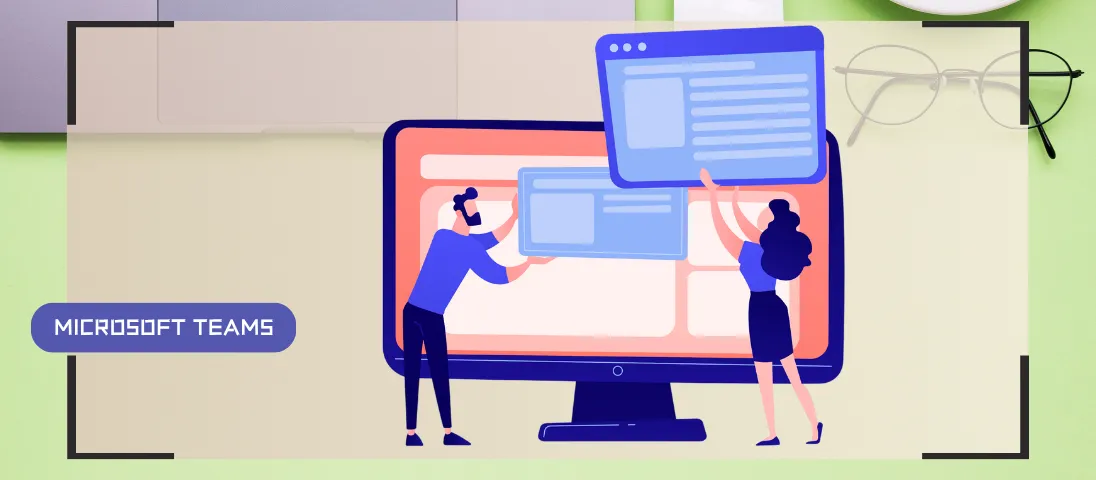
The upcoming feature lets two presenters share their screen or a window at the same time, without going through this sequence of stops and restarts.

note

Microsoft hasn’t shared an official screenshot of the feature yet, nor specified how the two shares will be laid out on screen for participants.

What’s still to be clarified

At the time of writing, Microsoft hasn’t mentioned any administrator or meeting organizer control to disable simultaneous sharing. This may change as the feature gets closer to general availability, along with the details on how it behaves across different meeting scenarios.


Conclusion

Dual-presenter screen sharing addresses a request raised for several years, amplified by the rise of remote work. Organizations that run demo or multi-presenter content review meetings should keep an eye on the feature’s progress toward November 2026, particularly on the governance controls still missing from the announcement.


Sources

Microsoft 365 Roadmap - Dual-presenter screen sharing


Did you enjoy this post ? If you have any questions, comments or suggestions, please feel free to send me a message from the contact form.

Don’t forget to follow us and share this post.
Related Posts

Email verification of external Teams participants

Email verification of external Teams participants

Introduction Microsoft Teams Premium introduces a new feature to enhance the security and reliability of your meetings: email verification for external participants. This feature allows m

Read More
The SMS messages will be native in Teams

The SMS messages will be native in Teams

Introduction Microsoft Teams continues to evolve, offering comprehensive communication and collaboration solutions. Among its features, SMS integration allows Teams users to easily communic

Read More
Debugging Teams calls via the SIP ladder

Debugging Teams calls via the SIP ladder

Introduction Microsoft Teams continues to evolve to offer ever more advanced communication and collaboration solutions. Among the features arriving very soon, we find the possibility of obt

Read More
How to block a specific external user in Teams

How to block a specific external user in Teams

Introduction Microsoft recently introduced a new feature for Teams administrators to block specific external users. This update aims to strengthen security and protect internal members of t

Read More
Blocking screenshots during Teams meetings

Blocking screenshots during Teams meetings

Introduction Microsoft Teams continues to strengthen the privacy and security of online meetings. Starting in July 2025, a new feature will be rolled out to prevent screenshots during meeti

Read More
Displaying a countdown timer during Teams meetings

Displaying a countdown timer during Teams meetings

Introduction Microsoft Teams continues to evolve to offer ever-more advanced communication and collaboration solutions. Among the new features coming soon is the integration of a countdown

Read More
Mercedes-Benz, your car becomes a rolling office

Mercedes-Benz, your car becomes a rolling office

Introduction In an automotive market increasingly focused on smart and connected mobility, Mercedes-Benz is taking a giant leap forward. With the new generation of the CLA model, the Ge

Read More
Enabling sign language in Teams meetings

Enabling sign language in Teams meetings

Introduction In its effort to make collaboration tools more accessible to everyone, Microsoft has announced the arrival of Sign Language mode in Microsoft Teams. This new feature aims to

Read More
Sensitive content detection in Teams meetings

Sensitive content detection in Teams meetings

Introduction In a world where business interactions increasingly take place via video conferencing, the security of information shared in meetings is becoming a major issue. Microsoft is ad

Read More
Record only audio in Teams meetings

Record only audio in Teams meetings

Introduction Microsoft is expanding its offering with a long-awaited option : audio-only recording for meetings and calls. This new feature allows users to capture the audio of a meeting wh

Read More
Blocking screen captures in Teams meetings

Blocking screen captures in Teams meetings

Introduction In a world where business interactions increasingly take place via video conferencing, the security of information shared in meetings is becoming a major issue. A simple screen

Read More
Consecutive bilingual interpretation in Teams

Consecutive bilingual interpretation in Teams

Introduction The Interpreter agent in Microsoft Teams previously offered only a simultaneous translation mode, where the synthesized voice overlapped with the speaker's voice in real ti

Read More
Bot protection in Microsoft Teams meetings

Bot protection in Microsoft Teams meetings

Introduction AI note-taking tools like Read.ai, Fireflies.ai or Otter.ai join meetings as external participants. For organizers, this raises a real control challenge : when the lobby

Read More
Reporting security concerns in Teams meetings

Reporting security concerns in Teams meetings

Introduction Microsoft Teams already allows a suspicious message or call to be reported. Reporting now extends to meetings and group calls, with the MC1446794 announcement. The rollout

Read More
Mandatory consent before joining a Teams meeting

Mandatory consent before joining a Teams meeting

Introduction Microsoft Teams is introducing mandatory consent before entering a meeting, with the announcement MC1454114. Administrators can now require every participant to accept cust

Read More
Teams adds message reminders

Teams adds message reminders

Introduction Microsoft Teams is introducing Remind Me, a reminder option for chat and channel messages, with the announcement MC1470887 (roadmap item 565869). The Targeted Release

Read More